How to Add a Countdown Timer Overlay to vMix Live Production
Need to add a live countdown timer or clock overlay in vMix? Learn how to integrate web-based stage timers into vMix inputs in under 60 seconds.
Table of Contents
vMix is the broadcast software of choice for high-end live events, sporting broadcasts, and virtual conferences. However, setting up dynamic countdown timers or speaker clocks in vMix can sometimes feel complicated.
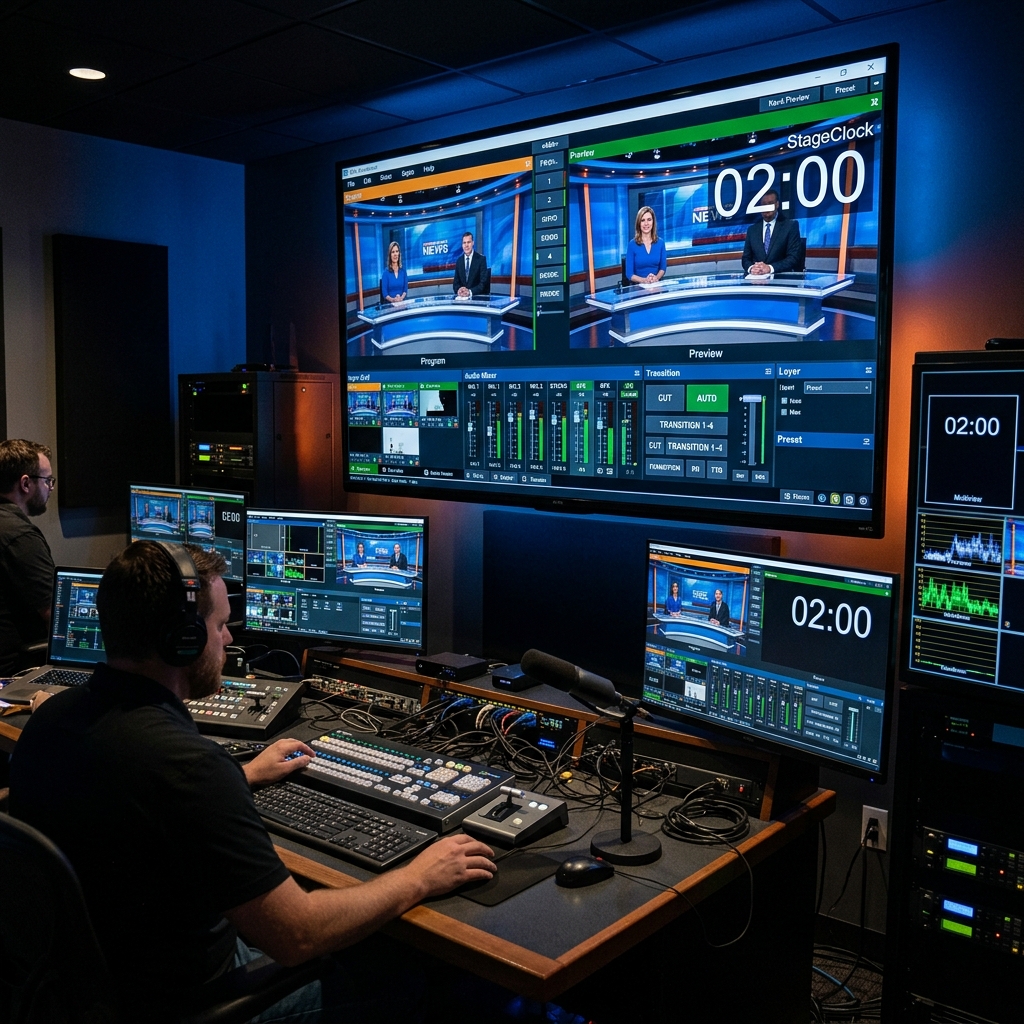
While vMix has native title features, updating timers on the fly from a remote booth or letting a speaker view their remaining time without cluttering your main broadcast requires a flexible browser overlay.
Here is the step-by-step guide to adding StageClock as a browser input in vMix.
Adding StageClock as a Browser Input in vMix gives broadcast operators instant remote control over timers.
Step-by-Step: Adding StageClock to vMix
1. Create Your Event on StageClock
Log into StageClock.live and configure your event timer. Customize your timer duration, font size, and background opacity.
2. Copy Your Display Link
Copy the unique Display Link URL from your StageClock event control panel.
3. Add a Web Browser Input in vMix
- In vMix, click Add Input in the bottom-left corner.
- Select Web Browser from the left menu.
- Paste your StageClock Display Link URL into the URL field.
- Set the resolution to
1920x1080. - Click OK.
4. Overlay the Timer onto Your Live Scenes
Position the timer input over your main program output using vMix’s MultiView or Overlay channels (1–4). With StageClock’s Transparent Background enabled, the clock floats cleanly over your live video feeds.
Key Advantages for vMix Power Users
- Remote Producer Control: Start, pause, or adjust time from a smartphone or tablet anywhere on the local network.
- Seamless Browser Integration: Switch or toggle timer overlays instantly via vMix MultiView channels and shortcuts.
Upgrading your vMix production setup? Create your free vMix timer on StageClock today.