Keeping Hybrid Meetings on Schedule: Zoom & Teams Countdown Clocks
Hybrid corporate meetings often struggle with unequal participation and missed break times. Learn how shared timers keep Zoom and Teams meetings focused.
Table of Contents
Hybrid meetings—where half the team sits in a conference room while the rest join remotely via Zoom, Microsoft Teams, or Google Meet—are now standard in modern workplaces.
However, hybrid meetings frequently suffer from severe time leaks: breakout sessions run over, coffee breaks drift past schedule, and remote workers feel disengaged when in-person discussions drag on.
Here is how team leads use shared stage clocks to keep hybrid meetings disciplined and productive.
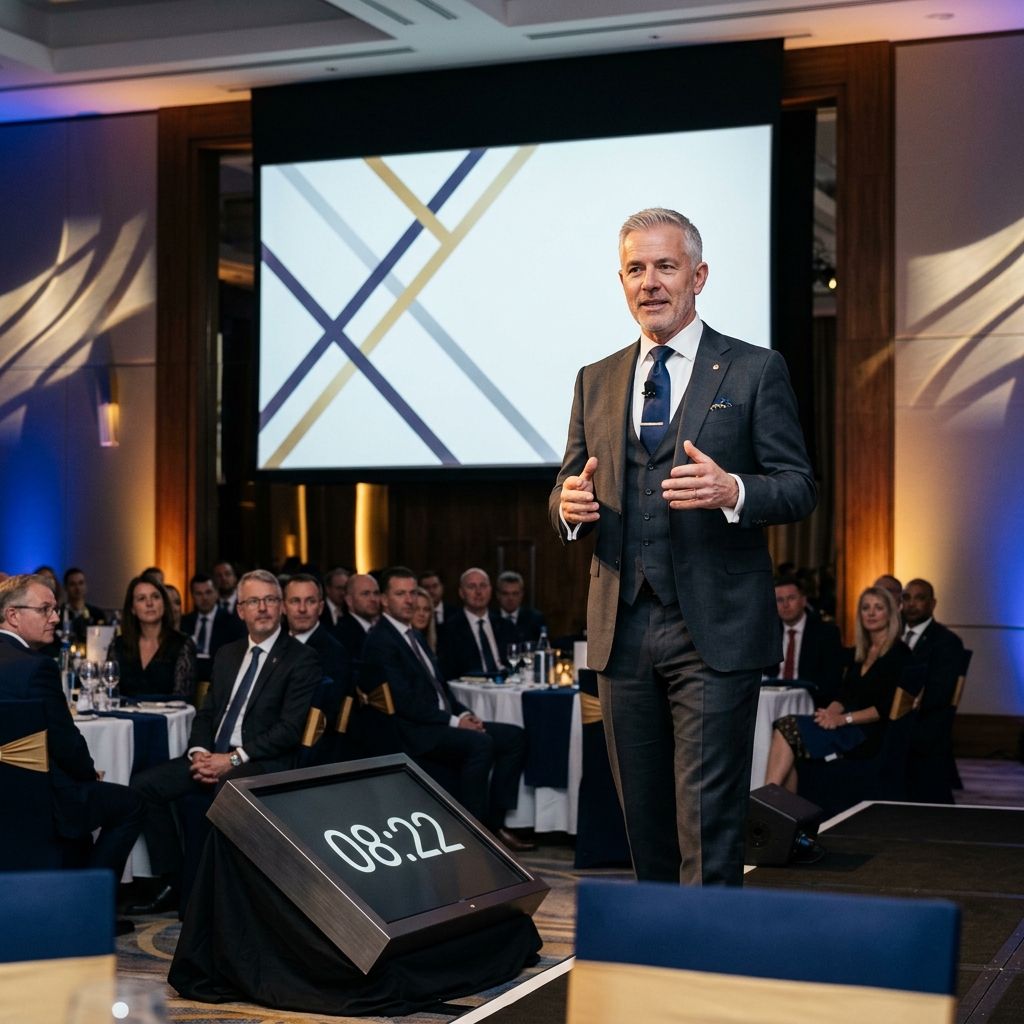
Synchronizing countdown timers across conference room screens and virtual meeting feeds ensures focused hybrid meetings.
1. Synchronized Break Countdowns
When taking a 10-minute bio or coffee break during a hybrid workshop:
- Remote team members step away from their desks, while in-person members stand up to chat.
- Displaying a StageClock Countdown on both the main conference room screen and as a shared screen in Zoom ensures everyone returns to their seats at the exact same minute.
2. Pacing Department Updates and Presentations
When each department manager receives 5 minutes to report progress:
- Use StageClock's Segmented Timer feature to assign equal time slots for Product, Engineering, Sales, and Marketing.
- Color transitions (Green -> Yellow -> Red) prompt presenters to conclude their updates naturally, leaving time for open discussion.
3. Web-Based Setup Without IT Security Roadblocks
Most corporate IT departments restrict installing third-party desktop software or browser extensions on work laptops.
- StageClock is 100% web-based. It runs inside standard web browsers over corporate Wi-Fi without requiring admin installation privileges.
Keep your hybrid meetings structured and efficient! Try StageClock for free today.