Running Seamless Corporate Town Halls Across Remote and In-Person Teams
Corporate all-hands meetings require tight timing between C-suite updates and live employee Q&A. Learn how StageClock aligns hybrid workspaces.
Table of Contents
Company town halls and executive all-hands meetings are essential for aligning organizational goals and culture. However, they frequently suffer from a recurring problem: executive presentations run long, squeezing employee Q&A into a rushed 3-minute wrap-up at the end.
When employees feel their questions are pushed aside due to poor time management, trust and engagement suffer.
Here is how corporate communications and AV production teams use StageClock to keep hybrid town halls strictly on schedule.
Synchronizing timing between in-person stage displays and remote video streams ensures fair, productive company town halls.
1. Protecting the Employee Q&A Agenda
The Q&A segment is often the most valuable part of a town hall for employees.
- Segmented Timers: Create pre-set segments in StageClock (e.g., CEO Update: 15m, Product Strategy: 10m, Financial Overview: 10m, Live Q&A: 20m).
- Automated Transitions: As executive presentations reach their time limits, the timer prompts leaders to wrap up, protecting the allotted Q&A slot.
2. Dual-Display Sync for In-Person and Hybrid Remote Teams
In hybrid workplaces, in-person employees sit in an auditorium while remote workers watch via Zoom, Microsoft Teams, or Webex.
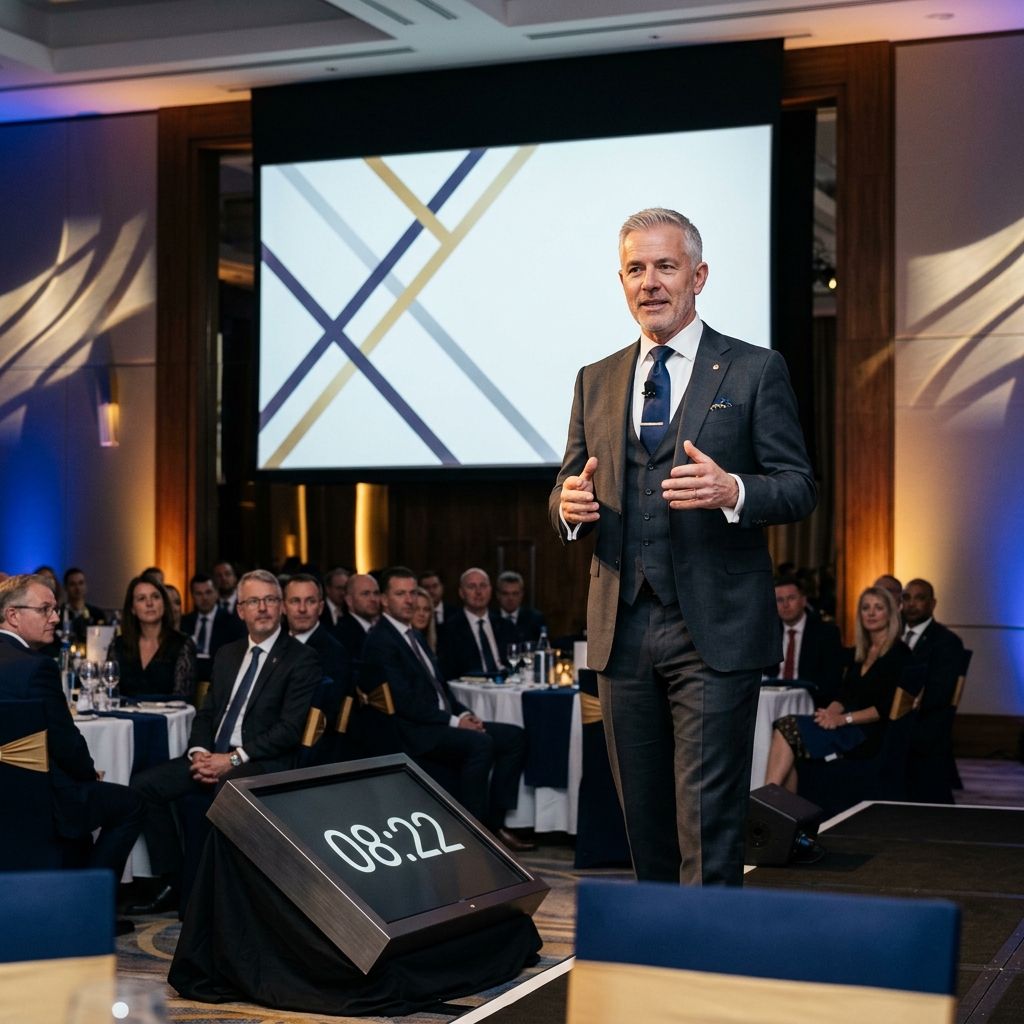
- Stage Display Link: Send StageClock to confidence monitors on the stage so C-suite speakers stay aware of time.
- Stream Overlay Link: Embed StageClock into your broadcast encoder so remote employees see the exact same countdown overlay on their video feeds.
3. Real-Time Remote Overrides for Internal Comms Teams
Live executive meetings often require flexible timing when unexpected company news or spontaneous discussions occur.
- Corporate comms managers can access StageClock’s Control Panel from a laptop or tablet anywhere in the room (or remotely).
- If a high-priority question requires extra time, producers can quietly extend the segment without visual glitches or interruptions.
4. Simple Setup Without IT Department Friction
Legacy stage timing systems require expensive hardware controllers, long cables, and complex network configurations.
- StageClock is 100% web-based. It runs securely in standard browsers over existing corporate Wi-Fi or cellular networks.
- No software installation or special admin permissions required, making deployment straightforward for event teams.
Upgrading your company's all-hands meetings? Try StageClock today to run seamless, perfectly timed corporate town halls.