
The Complete Guide to Church Livestream Countdowns and Timers
Pacing your online church service is crucial for viewer engagement. Discover how to add pre-show countdowns and sermon timers to your stream.
Table of Contents
Online church streams have become an essential ministry channel for reaching distant members and homebound worshippers. However, online audiences have different viewing habits than in-person congregations.
When online viewers tune into a blank screen or unannounced delay before the service begins, retention drops quickly.
Here is how church media directors use pre-show countdowns and sermon timers to create a professional online worship experience.
Pre-show countdown timers reassure online church viewers that the live service is starting on schedule.
1. Pre-Show Countdowns: Building Online Anticipation
Adding a 5-minute pre-show countdown timer to your online stream (via OBS, vMix, or Restream) serves three vital functions:
- Reassures arriving online worshippers that the audio/video connection is working.
- Gives families time to gather, settle in, and open their Bibles before worship begins.
- Gives media volunteers a clear visual marker for when to fade in background worship music and camera feeds.
2. Pacing Live Sermons for In-Person & Online Audiences
Online viewers easily get fatigued during long, unstructured streams.
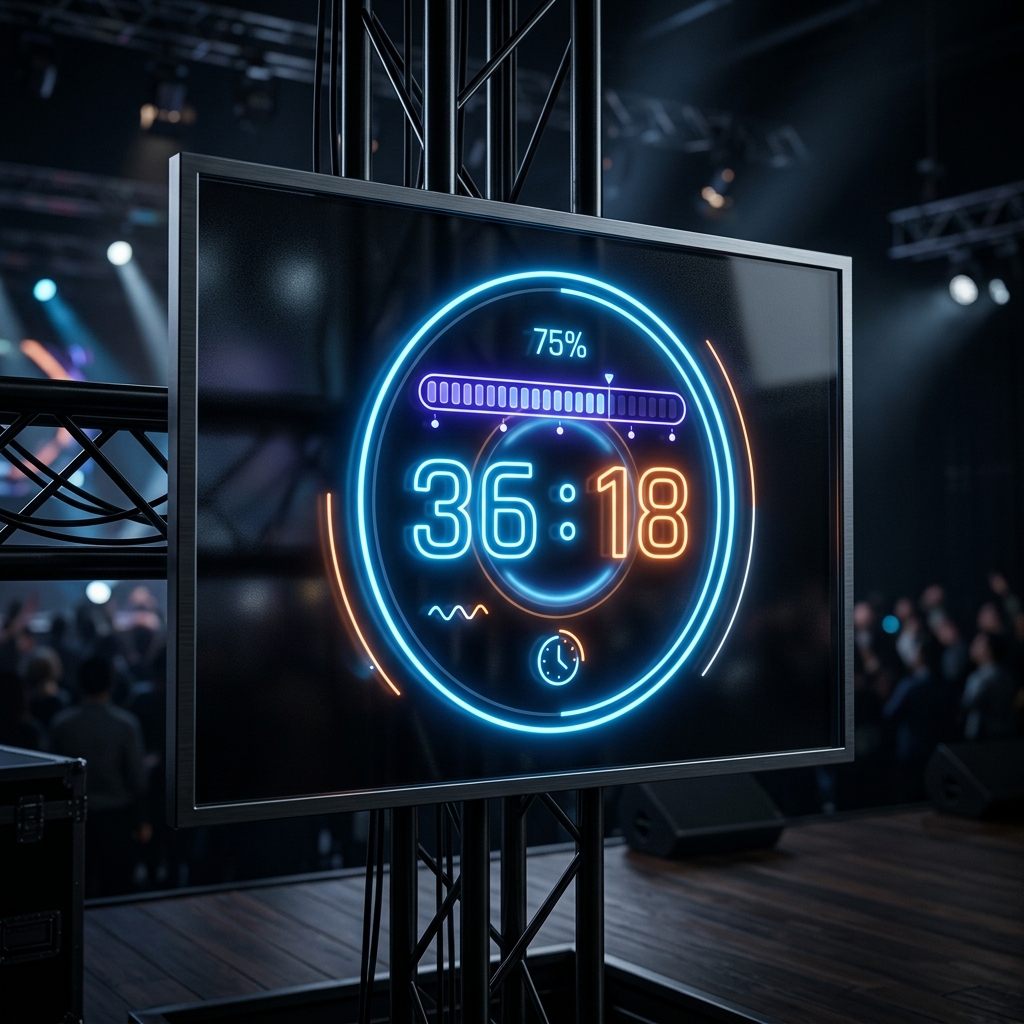
- Position a confidence monitor running StageClock at the back of the sanctuary for the pastor.
- The clean countdown keeps sermon delivery structured, ensuring that online streams end on schedule before viewers tune out.
3. Simple Browser Overlay Integration
You don't need complex hardware setups to display timers on your church broadcast screen.
- Open StageClock.live and copy your Display Link.
- Add it as a Web Browser source in your streaming software.
- Toggle transparent background mode for a clean look over your pre-service slide deck.
Enhance your church broadcast media! Set up your church stream timer on StageClock for free.