Mastering the Mainstage: Why Modern Conferences Need Real-Time Sync
Managing a multi-track conference is a logistical marathon. Discover how StageClock keeps your speakers on time and your schedule intact.
Table of Contents
A modern conference is like a complex machine. You have keynote speakers, panel discussions, breakout sessions, and networking breaks—all happening across multiple rooms simultaneously.
The moment one session runs 10 minutes over, the "domino effect" begins. Lunch is delayed, the afternoon keynote starts late, and your attendees start complaining on social media.
Maintaining the "Source of Truth" for time is the most important job of a conference production team. Here is how StageClock solves this at scale.
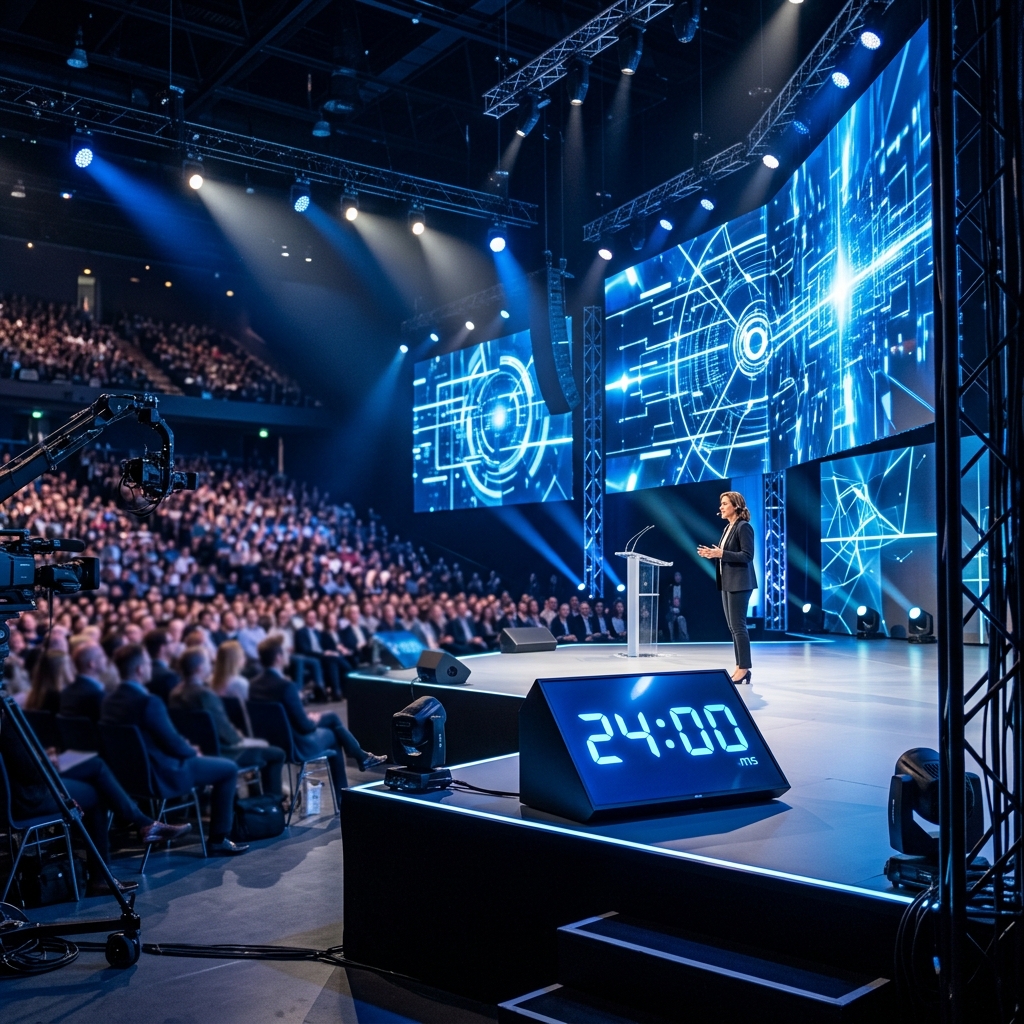
In a vast auditorium, a clear and reliable stage timer is the only thing standing between a perfect schedule and total chaos.
1. Multi-Room Coordination from One Dashboard
In a typical conference, you might have Room A, Room B, and the Grand Ballroom.
- With StageClock, you can create a unique event for each room.
- As an Lead Producer, you can keep all three control panels open in different tabs, monitoring the progress of every track without leaving the main control booth.
2. Managing the Q&A "Black Hole"
We’ve all seen it: a great speaker finishes on time, but the Q&A session goes on forever.
- The Solution: StageClock allows you to set "Segments." You can set a 20-minute timer for the talk and a separate 5-minute timer for the Q&A.
- The speaker sees the transition instantly. When the talk timer hits zero, it can automatically trigger the Q&A countdown, signaling to the speaker and the moderator that it’s time to take the final question.
3. High-Visibility for Giant Stages
On a large stage with bright LED walls, a small laptop screen on a podium is useless.
- StageClock’s Display Link can be opened on any hardware. Most production teams send the Display Link to a large 50-inch "Confidence Monitor" at the base of the stage.
- Because it's web-based, there’s no need for long HDMI cable runs from the control booth to the stage—just a stable Wi-Fi connection and a smart TV or tablet.
4. Hybrid Event Sync (Streamers + In-Person)
If you are streaming your conference to a global audience, your "Live" timing must match your "Stream" timing.
- You can overlay the StageClock timer directly into your OBS or vMix setup using a browser source.
- This ensures that your virtual attendees see the same countdown as the people in the front row, creating a unified experience.
5. Reducing Speaker Anxiety
Many conference speakers are industry experts, not professional performers. They are nervous.
- A clear, steady, and predictable timer gives them a sense of control. Knowing exactly how much time is left allows them to breathe, slow down, and deliver their message with more impact.
Planning a multi-track conference? Schedule a demo with StageClock and take control of your schedule today.