
How to Organize a Successful Hackathon: The Complete Step-by-Step Guide
Planning your first hackathon? Discover actionable hackathon organizing tips from venue logistics and team check-ins to pitch timing and judging.
Table of Contents
Organizing a hackathon is one of the most rewarding yet challenging community events you can host. Whether you are running a 24-hour university hackathon, an internal corporate hack week, or a global virtual build-a-thon, execution comes down to meticulous organization.
Without a structured plan, hackathons quickly descend into chaotic delays, confused mentors, late presentations, and exhausted judges.
Here is a step-by-step master guide for hackathon organizers to plan and execute a seamless event from start to finish.
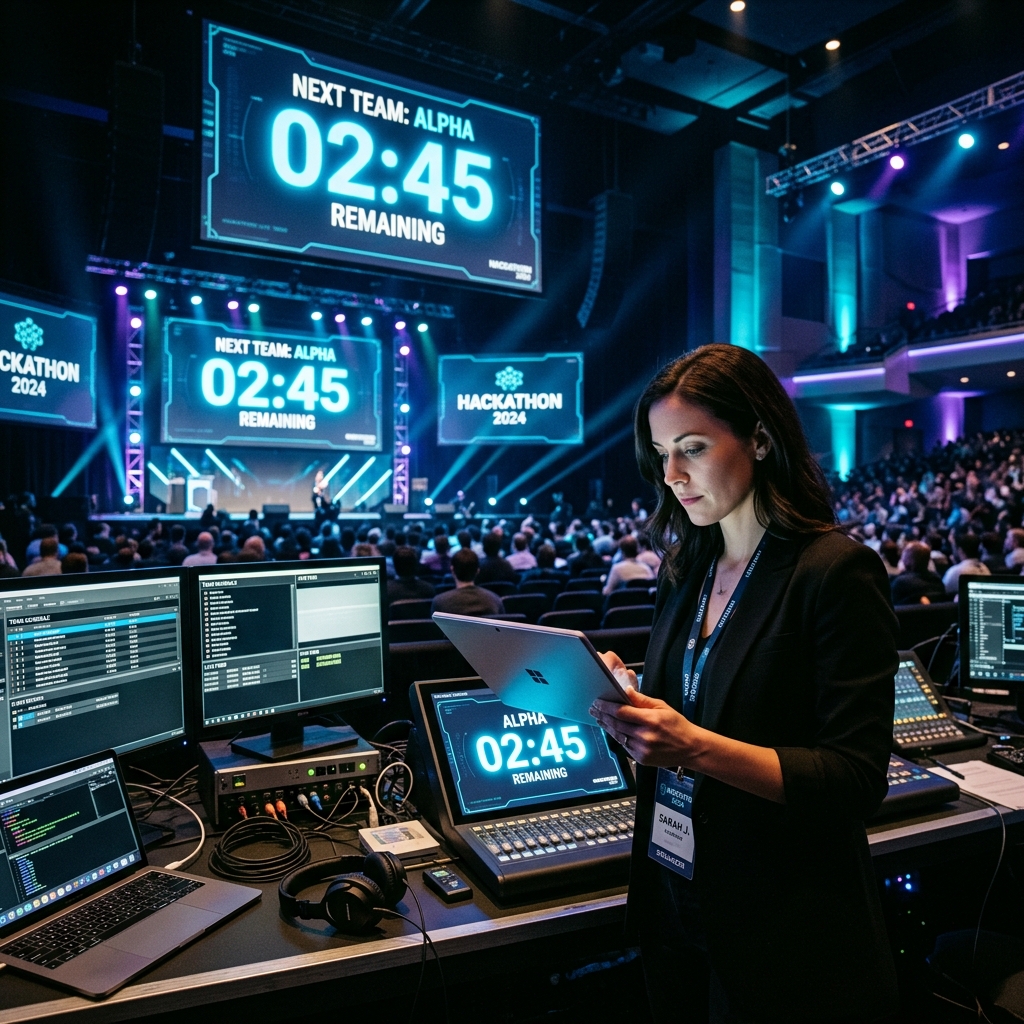
Centralizing event schedules and pitch timing is the secret to organizing a stress-free hackathon.
Phase 1: Pre-Event Preparation (4–6 Weeks Before)
- Define the Theme & Tracks: Clear problem statements attract higher quality builders and specialized sponsors.
- Secure Venue & Wi-Fi Capacity: Ensure your venue has robust high-speed internet and ample power outlets for dozens of developer workstations.
- Establish Judging Criteria: Share evaluation rubrics (e.g., Innovation 30%, Execution 30%, Impact 20%, Presentation 20%) with participants early.
Phase 2: Hackathon Logistics & On-Site Operations
- Mentor Desk Scheduling: Assign dedicated office hours for technical mentors so teams get help when stuck on bugs.
- Meal & Break Timekeeping: Keep catering deliveries and workshops on a strict timetable so coding sprints aren't interrupted.
Phase 3: Mastering Pitch Day & Timekeeping
The final pitch session is where hackathons succeed or fail. When you have 30+ teams presenting, allowing just 1 extra minute per team adds over half an hour to your closing ceremony!
- Strict Pitch Countdown Timers: Use StageClock to display a large 3-minute countdown timer on confidence screens for presenting teams.
- Automated Q&A Switches: Auto-transition from presentation time to judge Q&A to maintain absolute fairness across all teams.
- Backstage "On Deck" Screens: Place a tablet backstage running StageClock so the next team knows exactly when to stand by the wings.
Hackathon Organizer Checklist Summary
- [ ] Test Wi-Fi and power strip access across all tables.
- [ ] Pre-load team pitch order and timer durations into StageClock.
- [ ] Brief MCs and judges on strict wrap-up rules.
- [ ] Display real-time countdown clocks in main rooms and live streams.
Planning a hackathon soon? Streamline your pitch logistics with StageClock for free.