
5 Polite Ways to Stop Speakers from Going Over Time
Dealing with speakers who ignore their time limits? Discover 5 professional techniques for event hosts and session chairs to keep talks on schedule.
Table of Contents
Every event manager has faced the nightmare scenario: a keynote speaker or panellist gets so passionate about their topic that they ignore the schedule and keep talking for an extra 15 minutes.
Cutting off a guest speaker mid-sentence can feel awkward and rude, but letting them run over ruins the schedule for everyone else.
Here are 5 professional, polite ways to stop speakers from running over time without causing awkwardness on stage.
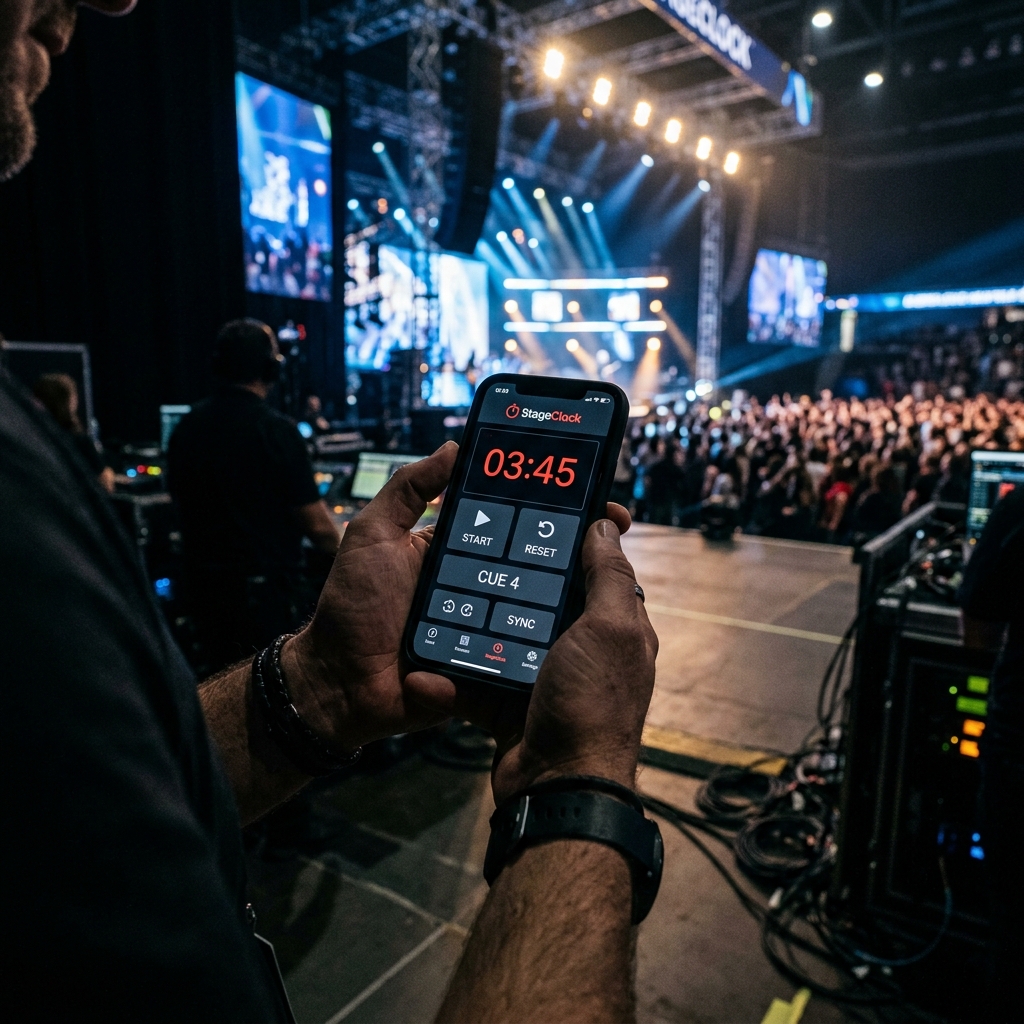
Using polite visual cues and confidence monitors keeps conference speakers on schedule gracefully.
1. Establish Visual Threshold Warnings Early
Before the speaker steps on stage, brief them on your stage display color codes:
- Green: Plenty of time.
- Yellow (e.g., 3 mins remaining): Start concluding thoughts.
- Red (Time's Up): Conclude current sentence and wrap up. When speakers know the rules beforehand, seeing the stage clock turn Red prompts them to conclude naturally.
2. Leverage High-Contrast Confidence Displays
Speakers often claim they went over time because "they couldn't see the clock."
- Use StageClock on a large confidence monitor at stage edge.
- Modern high-contrast typography ensures the countdown is unmissable from anywhere on stage.
3. Position the MC Near Stage Wings as Time Nears Zero
When 60 seconds remain, have the Master of Ceremonies (MC) take a visible step toward the side of the stage.
- Seeing the MC standing in the wings acts as a non-verbal cue that the transition is imminent.
4. Send Discreet On-Screen Text Messages
If a speaker continues talking after the timer hits zero:
- Send a subtle text message override via StageClock directly to the confidence monitor (e.g., "Wrap Up Speech Now" or "Please Take Final Question").
- The audience never sees the message, but the speaker gets an urgent visual nudge.
5. Use Segmented Timers with Auto-Switching Q&A
Separate talk time from Q&A time using pre-set segments. When presentation time reaches zero, the timer auto-shifts to Q&A. The MC can step up and say, "Thank you for those insights! Let's now take our first question from the audience."
Keep your conference speakers on schedule! Try StageClock for free and experience professional show control.