
The Panel Moderator’s Secret: Giving Every Panellist Equal Airtime
Panel discussions often get derailed when one talkative panellist dominates the conversation. Learn how stage timers help moderators keep discussions balanced.
Table of Contents
Panel discussions are a staple of corporate conferences, industry summits, and public forums. When executed well, they offer diverse perspectives and lively debate.
However, many panel discussions suffer from a common issue: one dominant speaker consumes 70% of the airtime, while other expert panellists barely get a word in.
Here is how experienced panel moderators use stage timers to keep discussions balanced, engaging, and strictly on schedule.
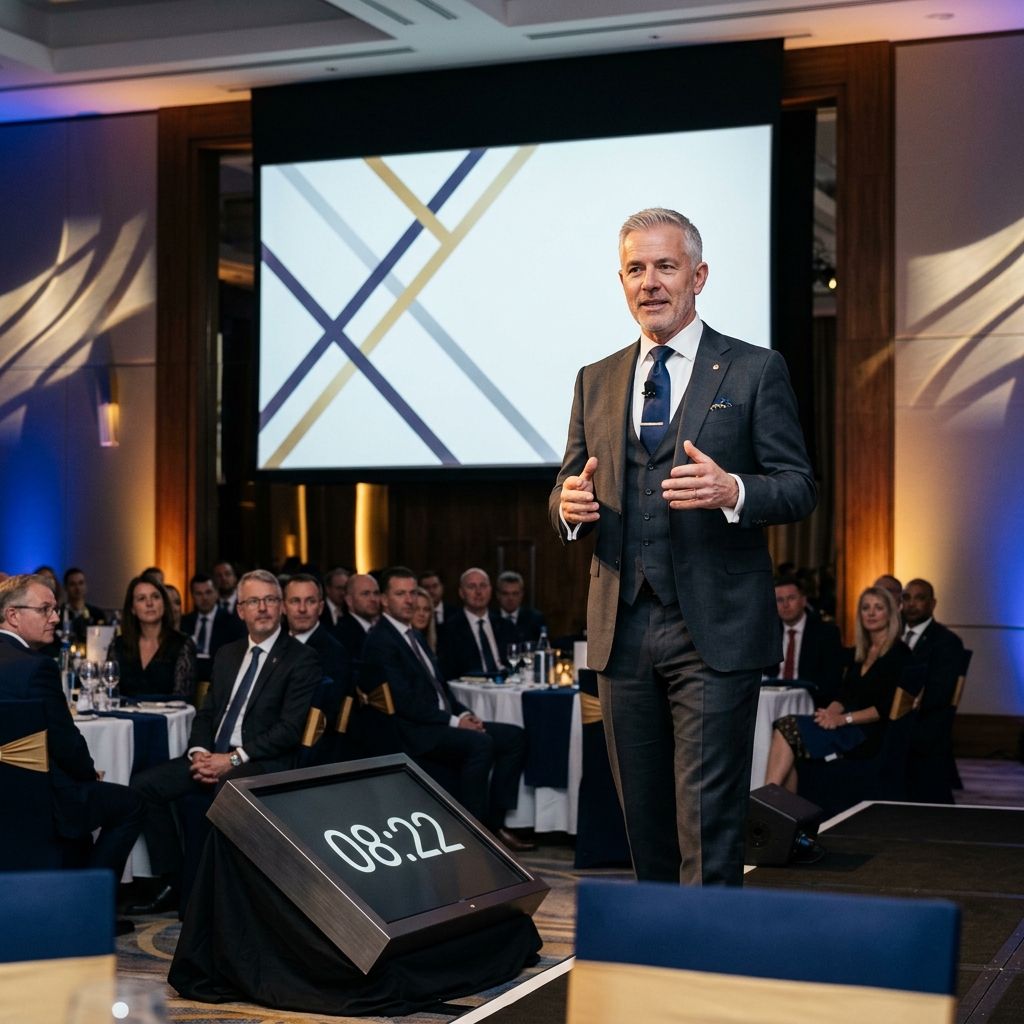
A shared stage timer gives moderators visual leverage to steer conversations and balance panellist airtime.
1. Establishing Clear Segment Limits
Before opening the panel, set structured time blocks in StageClock:
- Panellist Intros: 1 minute per speaker.
- Core Topic Questions: 3 minutes per question block (1 minute per panellist response).
- Audience Q&A: 15 minutes.
- Wrap-Up & Takeaway: 3 minutes.
2. Using Stage Displays to Intervene Gracefully
Interrupting a talkative executive on stage can feel awkward for a moderator.
- Placing a StageClock display on the floor facing the panel gives every panellist visibility into the remaining segment time.
- When the screen turns Red, the moderator can naturally jump in: "We've reached our 3-minute mark on this topic, let's turn to Sarah for her take on this..."
3. Dedicated Audience Q&A Timers
Audience Q&A sessions often drag when audience members deliver long speeches instead of asking concise questions.
- Display a 45-second timer on the stage/hall screens during audience Q&A.
- Prompts audience members to ask focused questions, allowing the panel to answer more questions overall.
Moderating an upcoming conference panel? Try StageClock for free to run balanced, engaging panel discussions.