
The Speaker's Guide to Slide Pacing: Never Rush Your Final Slides Again
Slamming through your final 10 slides in 30 seconds ruins an otherwise great keynote presentation. Master slide pacing with a real-time confidence clock.
Table of Contents
We have all witnessed a keynote presentation end on a awkward note: the speaker looks up, realizes they have only 60 seconds left, and frantically flips through their remaining 10 slides saying, "I'll skip these quickly..."
When a speaker rushes their final slides, the core conclusion and call-to-action—the most important part of the presentation—get lost.
Here is how professional speakers use stage confidence monitors and real-time timers to pace their slides perfectly from start to finish.
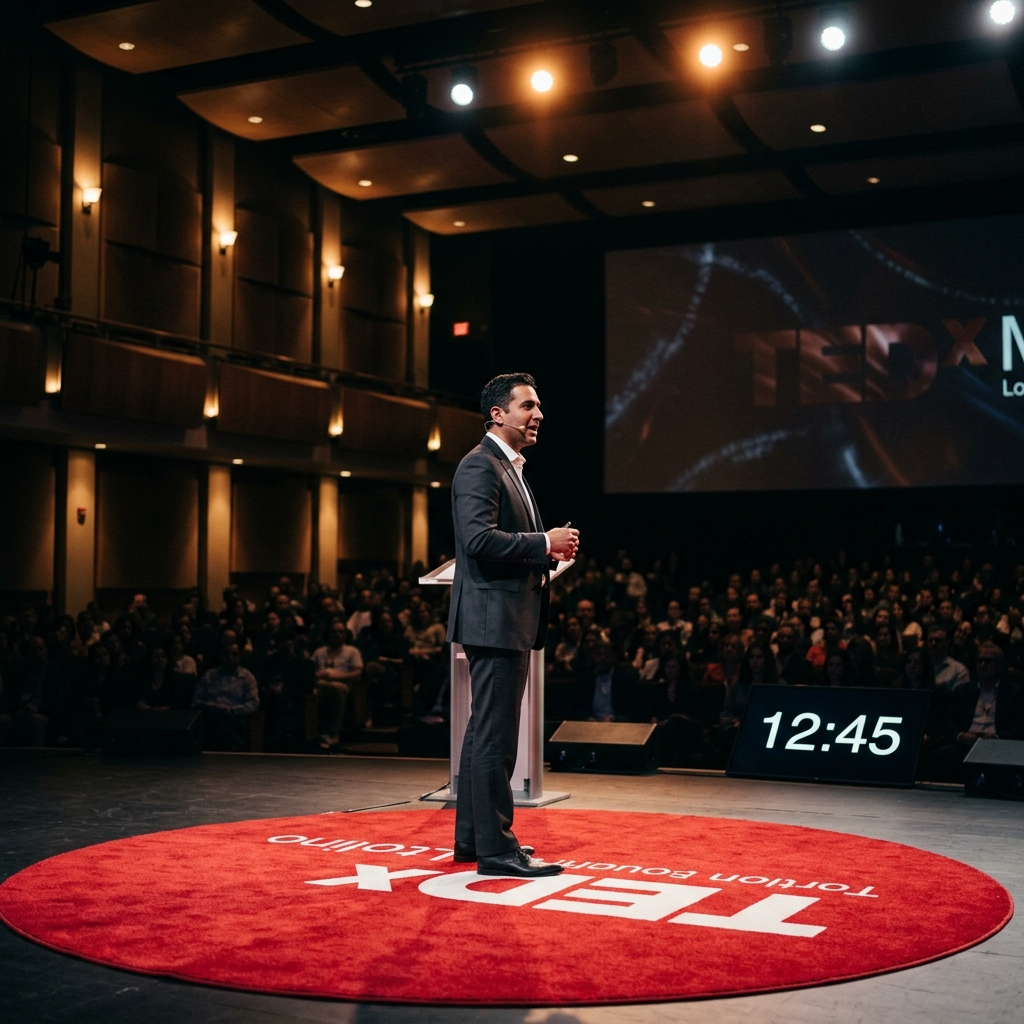
A confidence display at stage edge gives keynote presenters steady visual feedback to pace their narrative naturally.
1. Calculate Your Slide-to-Minute Ratio
A common mistake among speakers is assuming every slide takes equal time. Title slides take 10 seconds; core framework slides take 2 minutes.
- Rule of Thumb: For a 30-minute keynote, plan no more than 15 to 20 slides.
- Milestone Markers: Identify 3 key checkpoint slides (e.g., Slide 5 at minute 10, Slide 10 at minute 20) to quickly verify your pacing during the presentation.
2. Leverage Floor Confidence Monitors
Instead of constantly turning around to inspect the main projector screen behind you, rely on a Confidence Monitor positioned at the front edge of the stage.
- StageClock’s Display Mode renders high-contrast, clean countdown numbers that can be read naturally while maintaining eye contact with the audience.
- Glancing down for half a second keeps you fully aware of your remaining time without breaking your stage presence.
3. Understand Color Signals (Green, Yellow, Red)
StageClock uses intuitive, customizable color shifts to communicate pacing subtle cues:
- Green: On pace. Keep steady speech rhythm.
- Yellow (e.g., 5 mins left): Transition toward your concluding points and final story arc.
- Red (e.g., 2 mins left): Deliver your core takeaway message and final call-to-action.
4. Practice with Real-Time Countdown Clocks Before Stage Day
Pacing isn't built on stage—it is built in rehearsals.
- Open StageClock on your laptop or phone while practicing your presentation deck at home or in your hotel room.
- Getting accustomed to seeing countdown timers builds internal timing rhythm, reducing stage anxiety when the main event arrives.
Delivering an upcoming keynote or conference talk? Test StageClock for free to master your presentation pacing.