Managing 5 Stages at Once? Here is How to Stay Sane
Large conferences are a logistical nightmare. Learn how to manage multiple rooms and breakout tracks from one central StageClock dashboard.
Table of Contents
Running a single stage is hard enough. But what if you have a "Main Hall," two "Breakout Rooms," and a "Workshop Area" all running at the same time?
If the rooms aren't synchronized, your coffee breaks will be a mess, and your keynote speaker will be talking to an empty room because the previous session ran late.
StageClock was built to scale from one room to one hundred.
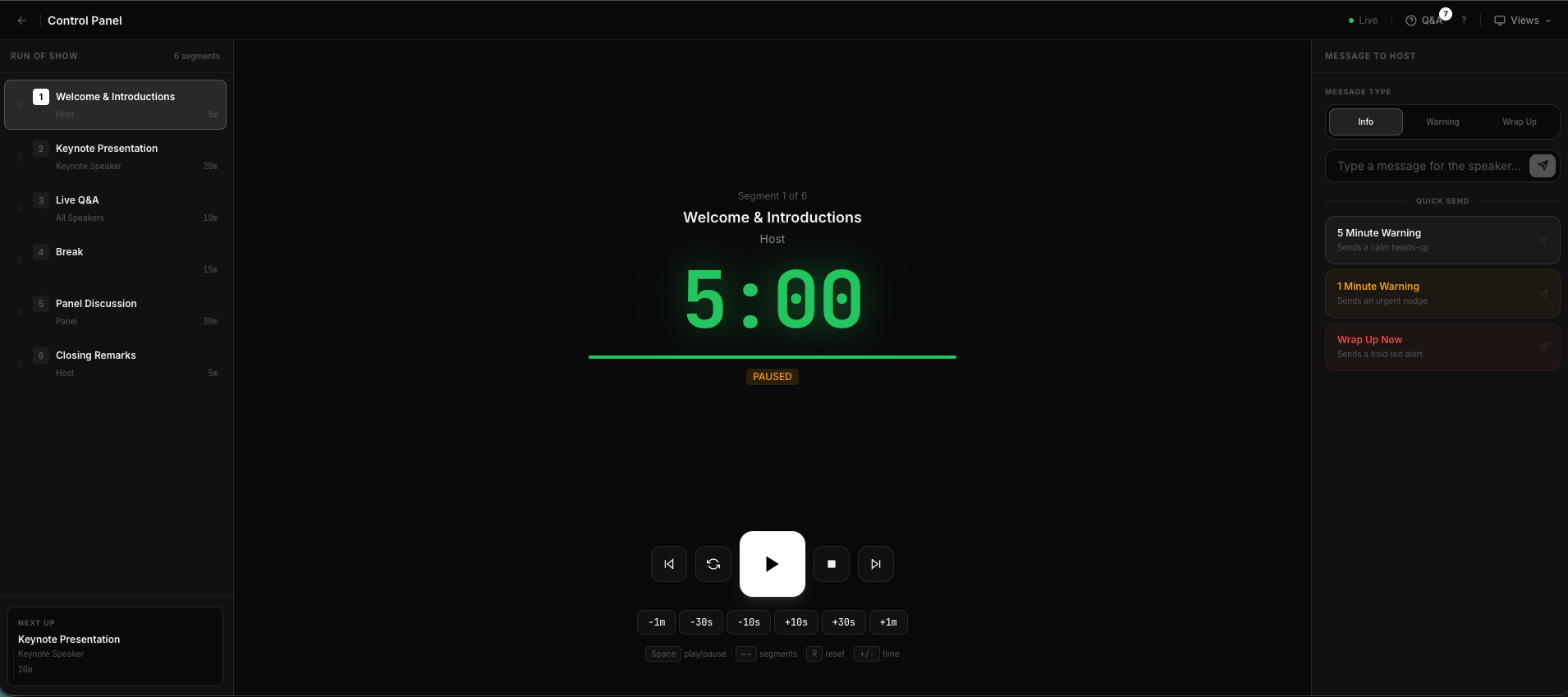
Our centralized dashboard lets you monitor every active segment in your venue.
The 'One-Dashboard' Reality
You don't need five different accounts. In StageClock, you can create multiple "Events" and see them all in one list.
- Room A is at 5:00.
- Room B is at 12:45.
- Workshop Area is paused.
You can see the status of every room in your venue at a glance.
How it Helps You Run a Better Conference
- Central Control: The lead producer can monitor all rooms and send a global "ALL ROOMS: WRAP UP" message if the lunch break is starting early.
- Local Delegation: Give the tech in each room "Operator" access so they can manage their specific timer while you keep an eye on the big picture.
Big events don't have to be chaotic. With StageClock, you have a bird's-eye view of your entire production, ensuring that every room stays perfectly on schedule.
Scale your event production today. Start your multi-room setup on StageClock.