One Tap Remote Control: Managing Show Timing from Your Smartphone
Control stage timers remotely from any smartphone, tablet, or laptop. Discover how StageClock provides instant wireless show control.
Table of Contents
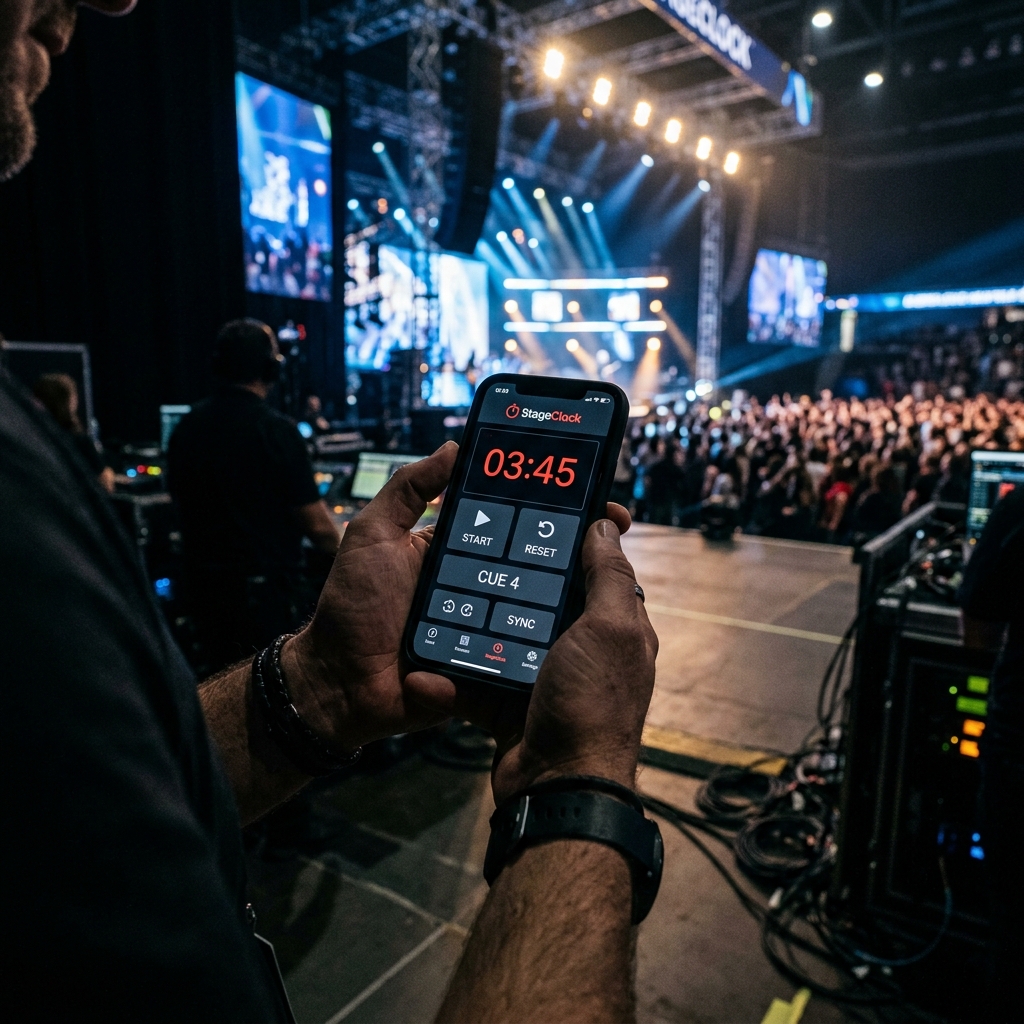
In live event production, you don't want to be locked to a desk at the back of the room. Event managers and stage callers need the freedom to walk around the venue, check on presenters, and manage timing on the move.
StageClock provides Mobile Remote Control links that let you start, pause, reset, or adjust timer displays directly from your smartphone or tablet over Wi-Fi.
Control stage displays and confidence monitors wirelessly from your phone anywhere in the venue.
1. Zero Setup Mobile Control
Instead of downloading heavy apps or setting up local servers:
- Open your StageClock dashboard on any mobile browser.
- Tap to start, pause, or add extra minutes to the stage clock in real time.
2. Instant Multi-Screen WebSync
When you make a change on your phone:
- WebSockets update the stage confidence monitor and stream overlays instantly across the venue.
- Every display stays perfectly synchronized without noticeable latency.
3. Why Mobile Show Control Helps You
- Fewer Mistakes: Clean mobile buttons mean you never accidentally misclick mouse cursors on stage screens.
- Complete Freedom: Move around backstage or monitor speakers from the audience while keeping full control of the clock.
Take control of your show schedule! Try StageClock's mobile remote control today.