Inside the Control Booth: How Show Callers Use Centralized Clocks
Show callers and AV crews rely on shared timing to cue lights, audio, and stage entrances. Discover how StageClock serves as the single source of truth.
Table of Contents
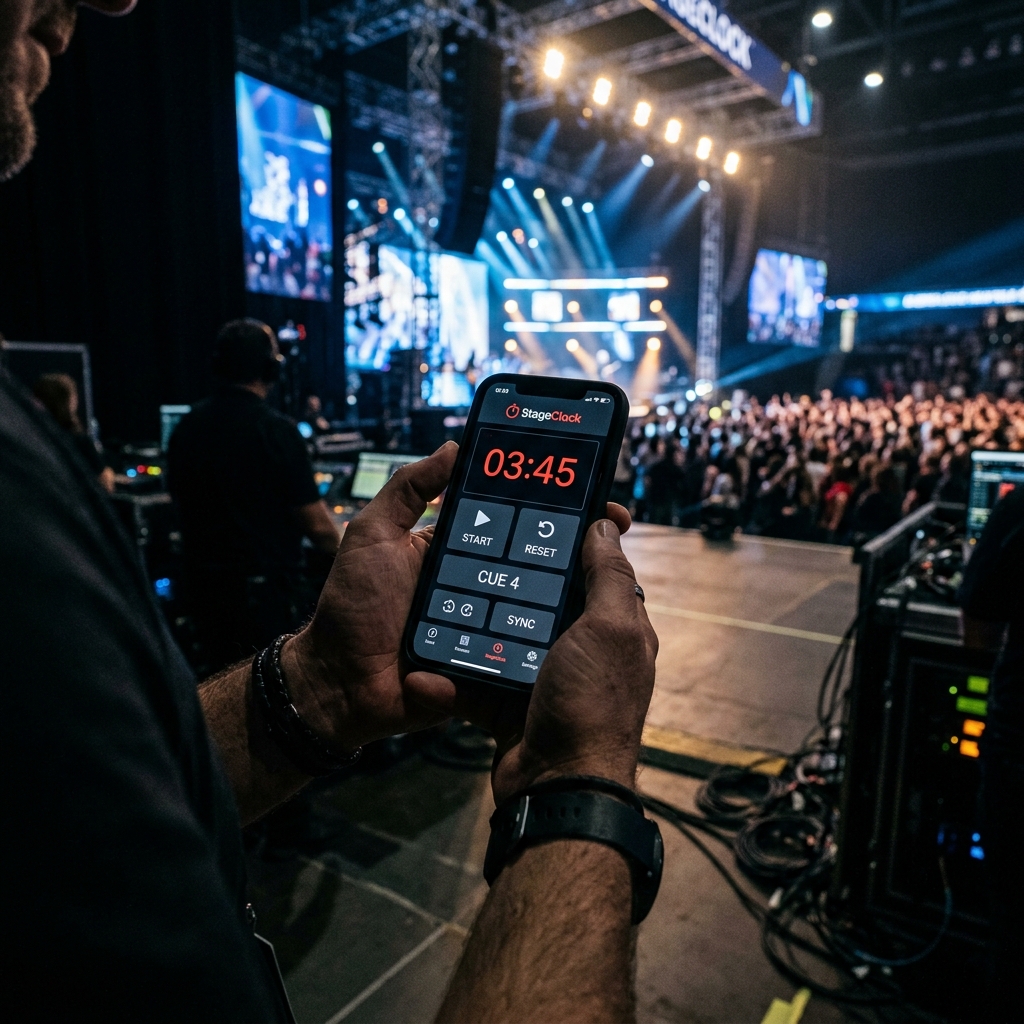
Behind every flawless live event—from major tech keynotes to live music broadcasts—is a Show Caller in the control booth. The show caller coordinates audio engineers, lighting directors, video operators, and stage managers, calling precise cues down to the second.
If the lighting operator's clock is 5 seconds behind the show caller's stopwatch, video transitions get missed, entrance lights trigger early, and the production loses its impact.
Here is how live production crews use StageClock as a centralized, zero-latency timing reference across the entire venue.
A synchronized web timer keeps show callers, lighting techs, and stage managers in perfect harmony.
1. Establishing a "Single Source of Truth" for Time
In traditional setups, crew members rely on personal smartphones, wristwatches, or separate hardware timers, leading to inevitable time drift.
- WebSocket Sync: StageClock keeps every connected browser window synchronized in real time via WebSockets.
- Whether viewed on a laptop in the FOH (Front of House) booth, an iPad backstage, or a monitor at stage left, every screen ticks on the exact same millisecond.
2. Cueing Lighting and Audio Transitions
Certain production cues rely on precise countdown thresholds (e.g., dimming room lights 30 seconds before a video roll, or triggering walk-off music).
- StageClock’s Visual Threshold Warnings (Yellow/Red state transitions) provide clear visual cues for lighting and sound operators without needing voice commands over coms headsets.
3. Role-Based Access Control to Protect the Live Clock
During live productions, accidental clicks or resets by unauthorized team members can cause panic in the booth.
- StageClock features Role-Based Access Control.
- Give the Control Link (start, stop, edit permissions) exclusively to the Lead Show Caller, while distributing view-only Display Links to operators and stage managers.
4. Multi-Segment Show Run-Downs
Instead of managing multiple stopwatches for intro videos, keynote speeches, Q&A sessions, and musical interludes, StageClock handles full multi-segment run-downs.
- Show callers can pre-load an entire day’s agenda.
- Once a segment finishes, the clock smoothly transitions to the next item, giving the entire crew immediate visibility into upcoming cues.
Directing an upcoming live broadcast or stage production? Integrate StageClock into your control booth and experience synchronized show control.