Your Event, Your Look: Customizing StageClock for Your Brand
A professional event should look consistent. Learn how to customize colors and layouts in StageClock to match your brand's identity.
Table of Contents
When you’re running a high-end corporate event or a product launch, every detail matters. You don't want a generic timer that looks like it belongs on a gym wall. You want something that feels like it’s part of your brand.
StageClock is designed to be a "White Label" experience.
Our minimalist aesthetic is designed to disappear into your brand's identity.
Simple Customization
We believe that "less is more" on a stage. We’ve focused on the things that make the biggest impact:
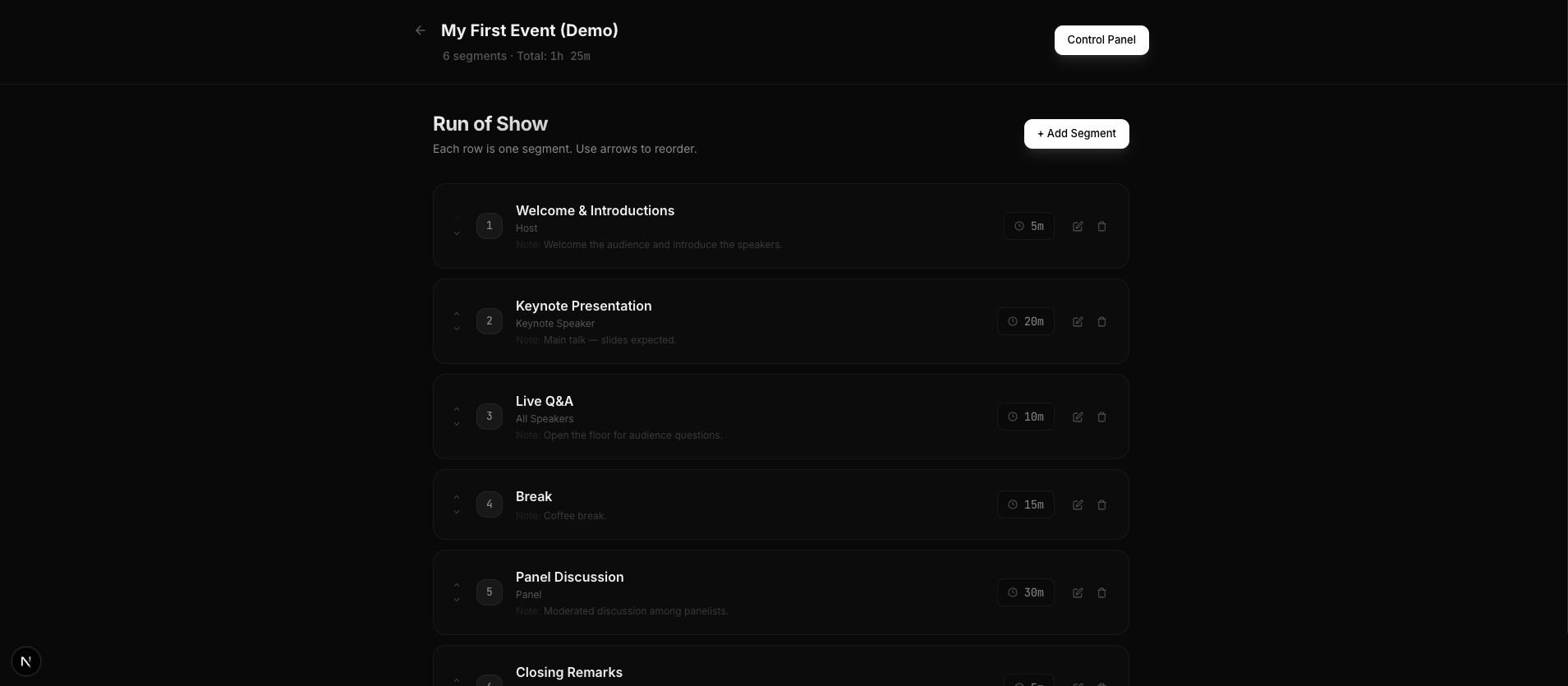
- Custom Event Names: Your timer view shows your event name, not our brand.
- Segment Titles: Name your segments exactly how they appear in your run-of-show.
- Speaker Notes: Add custom notes for each speaker that only they can see.
Coming Soon: Custom Colors and Fonts
We are currently working on deep customization features that will allow you to:
- Set your brand colors: Match the timer text to your logo.
- Upload your logo: Show your brand on the display and interaction views.
- Custom Fonts: Use your brand’s typography for a truly seamless look.
Why Branding Matters
Consistency builds trust. When your audience sees a cohesive design across your slides, your stage, and your interaction screens, they feel the quality of the production. It makes your event feel "premium" and well-organized.
Make it yours. Start branding your event on StageClock.